
Posts and replies
Writing posts and replies about tokens, mentions, likes, moderation, and where posts appear.
Writing a post
Select Post in the top bar, on your own profile, or on a token or launch page, to open Create a Post. A post is text only, no images.
- Write between 10 and 10,000 characters.
- Mention at least one and at most five tokens or launches by typing
$before the ticker, for example$GEM, and picking it from the suggestions. Opening the editor from a token page starts the post with that token. - Mention up to five users by typing
@before their username.
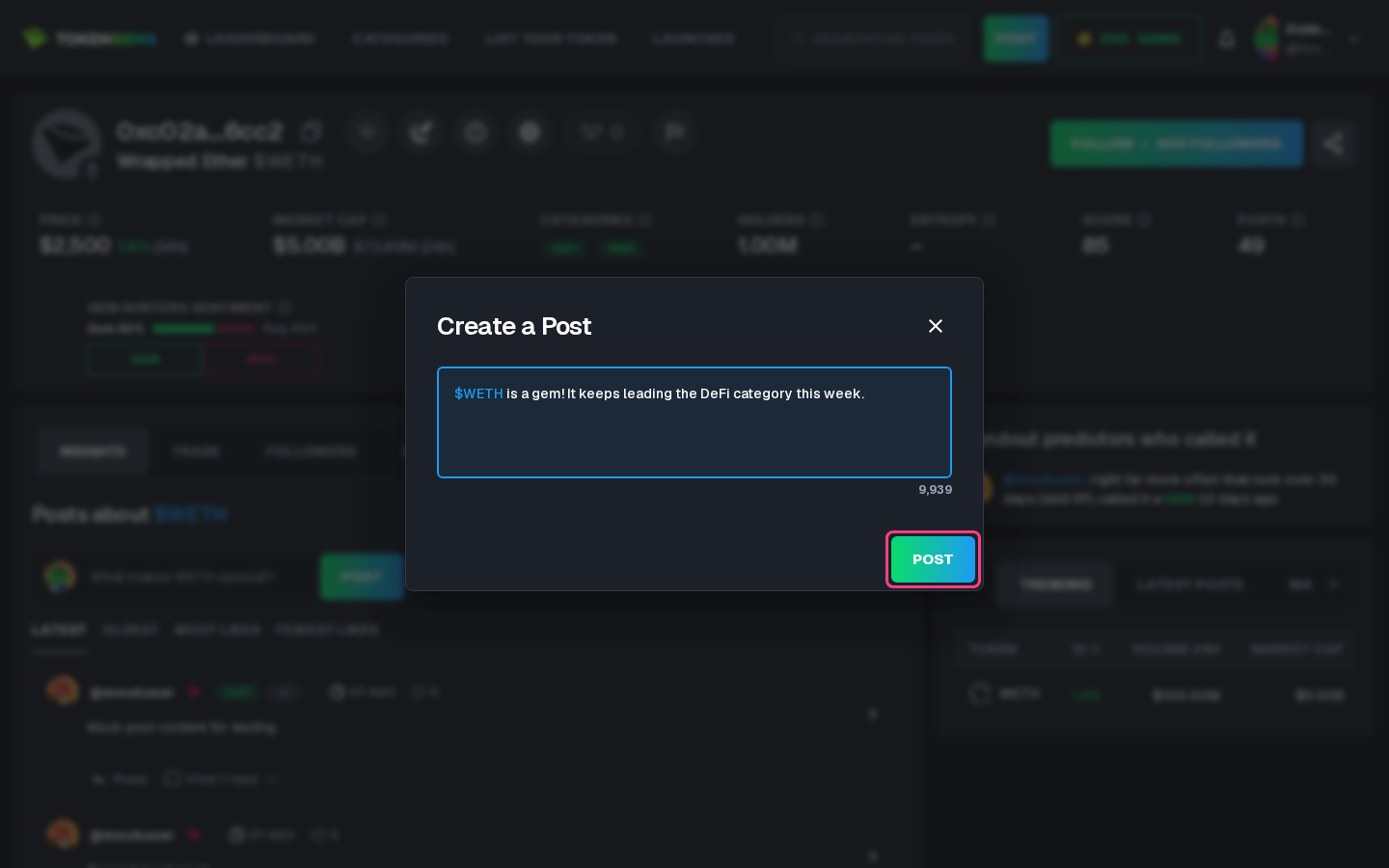
Posting needs Sapphire rank or higher, and counts against your rank's daily limit (see Ranks and rewards). A post of at least 100 characters earns GEMs.
Moderation
Posts are moderated, and a post found to break the rules is hidden. A post that reports wrong token data may be passed to the moderators as a report, and you are notified.
Posts cannot be edited or deleted once published.
Replies
Select Reply under a post to answer it. A reply follows the same rules as a post, except that it needs no token mention. Replies show nested under the post they answer, three levels deep; View replies and Load more replies show the rest. Opening a post shows the conversation it belongs to, from the first post down to its replies.
Likes
Select the heart under a post to like it, and again to remove the like. You cannot like your own post. A like gives 1 GEM to you and 1 to the author, and removing it takes both back.
Where posts appear
- Latest Posts on the home page shows the newest posts.
- A token's or launch's page lists the posts that mention it, sorted by Latest, Oldest, Most Likes or Fewest Likes.
- A profile's Posts, Replies and Liked tabs list what that user wrote and liked.
- Your own Feed tab collects posts by you and the people you follow, posts you liked, posts about tokens you follow, and posts mentioning you or the people you follow. See Account and settings.
Long posts are cut after five lines; Show more expands them.